The First Screen Is for Sale: Who's Really Programming Your Smart TV?
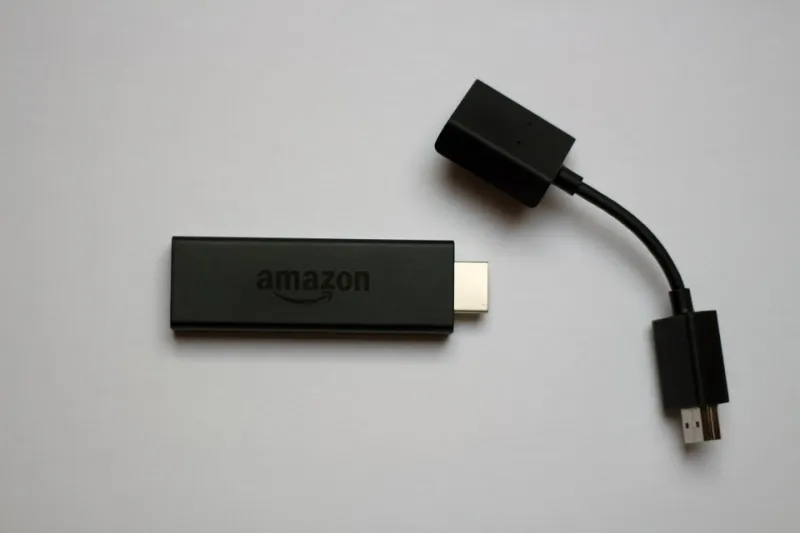
Photo: www.hdmi-experte.com, CC BY 4.0, via Wikimedia Commons
Walk into a big-box electronics store in the US in 2026 and you will hear a familiar pitch: the TV is smarter than ever. It knows your apps, your habits, your favorite genres. What the sales tag rarely explains is that the smartest part of the television may be the business model wrapped around it. The home screen is no longer a simple launchpad for Netflix, Hulu, or YouTube. It is a curated storefront, and the shelf space is for sale.
The new cable box is already in your living room
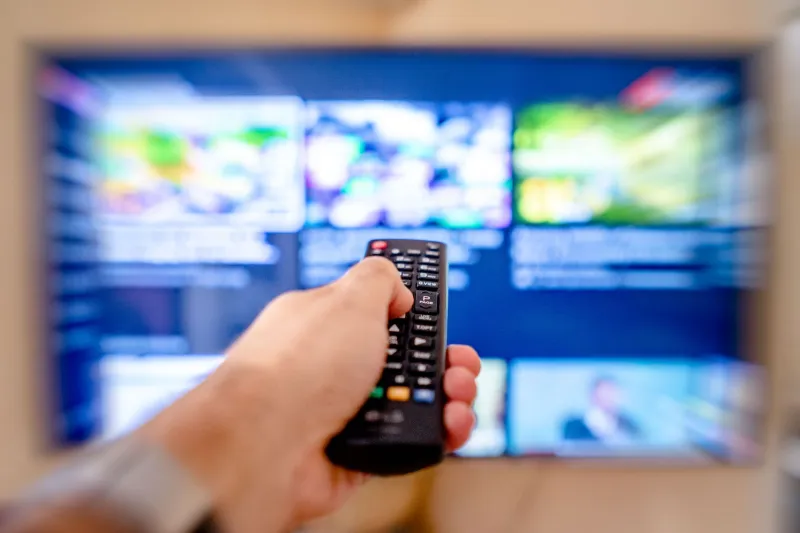
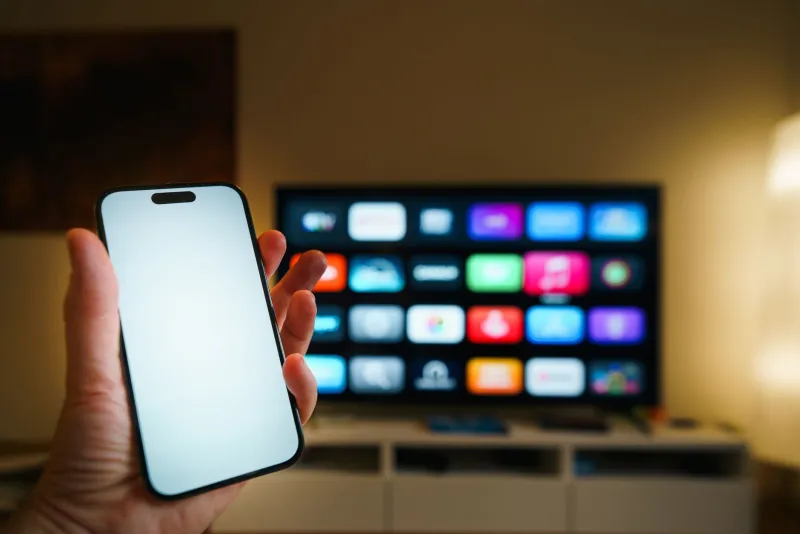
For decades, cable companies controlled the first screen you saw when you sat down to watch. They decided the channel lineup, the guide, the promotions, and the defaults. That job now belongs to TV manufacturers and streaming operating systems: Roku, Amazon Fire TV, Google TV, Samsung Tizen, LG webOS, Vizio SmartCast, and others. These platforms decide which apps get prominent placement, which trailers autoplay, which shows appear in 'Featured' rows, and which search results get a boost.
That does not make them villains. It makes them gatekeepers with a revenue plan. The TV you bought is a piece of hardware, but the experience on top of it is a platform. And platforms tend to make money in more than one way.
Why the home screen became prime real estate
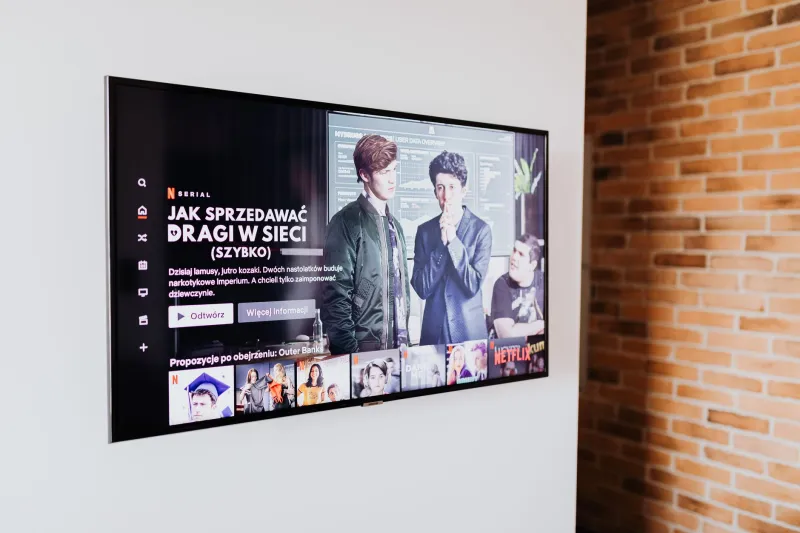
The home screen is valuable because it is unavoidable. You see it every time you turn on the TV, and most viewers spend at least a few seconds scanning it before they pick an app. For advertisers and streaming services, those seconds are worth paying for. Sponsored tiles, promoted rows, auto-playing previews, and default app placements are all ways to capture attention before a single show begins.
There is also the data layer. Many smart TVs use automatic content recognition, or ACR, to identify what is playing on screen. That information can be used to build viewing profiles and target advertising. The manufacturer may make a modest margin on the hardware and a much healthier margin on the impressions and data attached to the screen after it leaves the store.
What you are actually seeing
Not every row on your home screen is an ad. 'Continue Watching' is usually based on your own activity. 'Top Picks for You' may reflect genuine personalization. But the mix is commercial. A 'Featured' tile can be a paid placement. A row of new releases may be shaped by distribution deals. A search result may favor the platform's own store or a partner service.
Autoplay trailers add another layer of noise. They can make the home screen feel busy, and they can also make it harder to find the app you actually opened the TV to use. Default apps matter too. If a platform sets its own streaming service as the first icon, that is not an accident.
A practical declutter plan
You cannot always turn a smart TV into a dumb one, but you can make the home screen less noisy. Start with these steps:
- Switch to an apps-only or basic home mode if your TV offers one. Many platforms hide this in settings under home screen, startup, or display options.
- Dig into privacy settings and turn off ACR or viewing data collection. The label varies by brand, so look for terms like 'viewing data,' 'content recognition,' or 'advertising preferences.'
- Look for ad personalization toggles and turn them off. You may still see ads, but they should be less targeted.
- Remove or hide sponsored rows when the operating system allows it. Some platforms let you customize which rows appear.
- Reorder your apps so the services you actually use are first. It sounds small, but it changes what you see every day.
- Disable autoplay previews if you can. Quiet home screens are easier to navigate.
- Set a default input if you use a game console, antenna, or streaming box. That way the TV does not always drop you into its own menu.
- Consider a dedicated streaming device if your TV's operating system is especially ad-heavy. Sometimes the cleanest fix is to bypass the built-in interface.
- Use guest mode when you have visitors or when you want a temporary, less personalized setup.
- Recheck settings after firmware updates. Privacy preferences can reset, and new promotional features can appear without much warning.
Privacy is not a side issue
ACR and ad-targeting features are easy to ignore because they do not look like traditional ads. They sit in settings menus and work in the background. But they are part of the same bargain: you get a convenient interface, and the platform gets information about what you watch. Opting out does not make you invisible, and it does not eliminate advertising. It does reduce how precisely the system can profile you.
The bottom line
Your TV is a storefront. That does not mean you have to shop the way the store wants you to. The goal is not to reject smart TVs or pretend the convenience is worthless. It is to remember that the first screen you see is a curated shelf, not a neutral one. Spend ten minutes in the settings, clean up the rows, and make the home screen serve you instead of the other way around. The best viewing setup is the one where you choose the shelf.